
Mechanical Design & CAD
Parts, assemblies and mechanisms developed from sketches, specifications or existing models.
Mechanical & Manufacturing
Support for mechanical design, 3D modelling, machine components, manufacturing drawings and analysis — scoped around your coursework, assignment or graduation project.
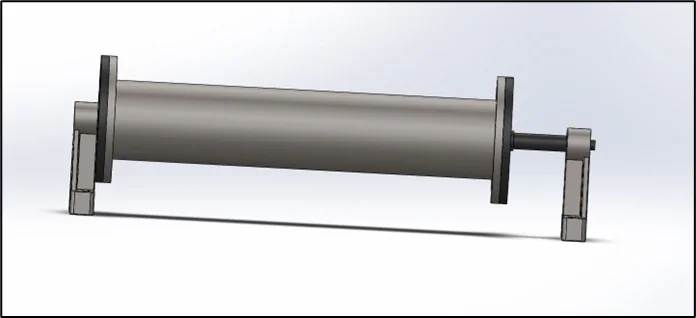
Mechanical Support Areas
The scope can be a single component, a full assembly or a complete design-and-manufacturing workflow — always matched to the assignment and the required academic outputs.
Parts, assemblies and mechanisms developed from sketches, specifications or existing models.
Gears, shafts, bearings, housings and linkages with working fits and functional mates.
Drawing sets with tolerances, GD&T, exploded views and organised bills of materials.
Stress, deflection and safety-factor checks that support the design decisions in your report.
Heat transfer, cooling and flow studies for components that heat up or handle fluids.
3D-print preparation, CNC and CAM considerations that connect the model to manufacturing.
Design Workflow
Each stage produces something the next stage can use — no stage is skipped or invented.
Software Used
Each project is scoped to the software already used in the course, or to the tool that fits the deliverable best.
See the full software overview on the Software Expertise page →
Selected Technical Experience
These visuals demonstrate technical experience. Each student project is reviewed and scoped independently.
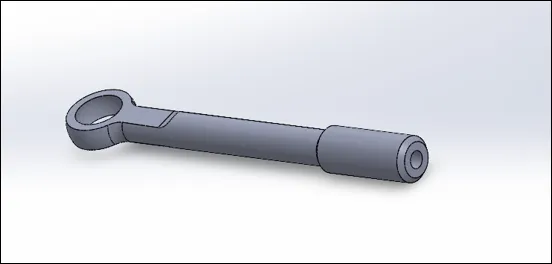 Bell Crank AssemblySolidWorks · Machine Design
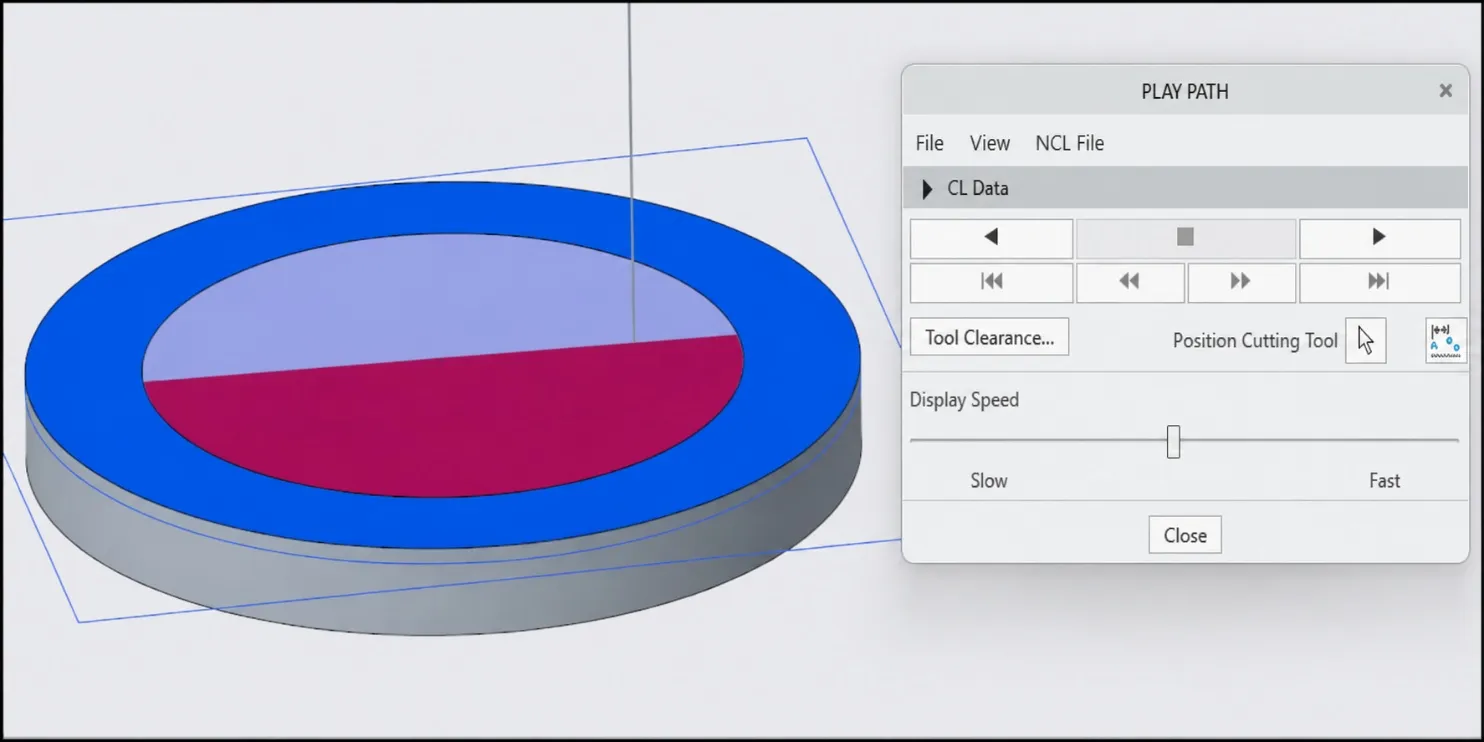 CNC Milling ToolpathCreo · CAM Preparation
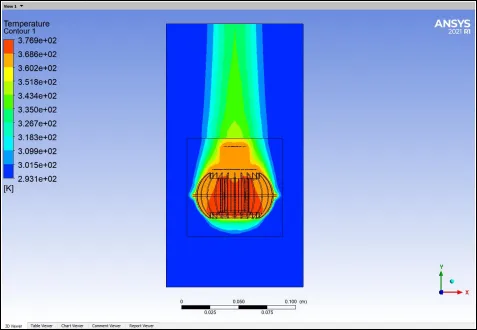 LED Thermal FieldANSYS Fluent · CFD
Project images are presented to demonstrate technical capability and do not imply university endorsement or permission to reuse the work as an academic submission.
Where This Fits
Design, analysis and documentation connect into graduation projects and research workflows.
A finished model is not required. Sketches, screenshots, calculation notes or a partial design are enough to begin.